

Edukamentas, now in your pocket!
Lessons, tests and your progress in the Android and iOS app. Study at home, on the way or during a free moment.
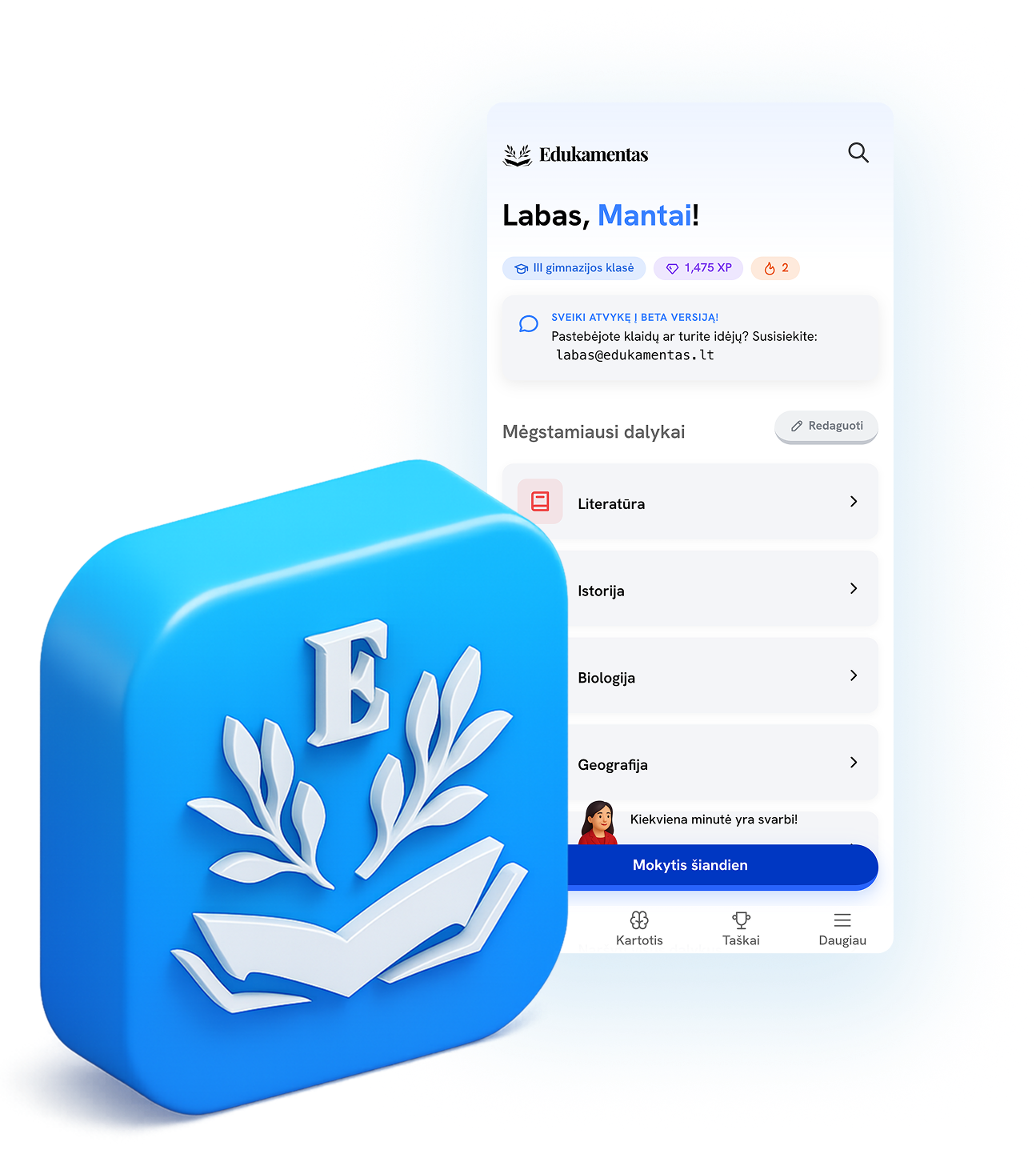
What’s in the app?
School lessons, study notes and tests in one place. Pick what you are learning in class, revisit a tricky topic or set aside time to prepare for an exam.
Available lessons depend on your grade, subject and plan.
All subjectsUnderstand each lesson at your own pace.
If class moved too quickly, take your time with the explanation on your phone. Read one part at a time, pause at a new idea and revisit an example as often as you need.
Prefer to listen? Play the lesson audio. Choose a light or dark reading view, then try both with the biology example below.
- Read
- Audio
- Light and dark themes
What is blood made of?
Blood is made up of plasma and blood cells. Each has its own job.
- Red blood cells
- Carry oxygen around the body.
- White blood cells
- Help the body fight infections.
- Platelets
- Help blood clot and stop bleeding.
Example from a lesson
See what you know and what to review.
An answer can feel obvious while you are reading. Try recalling it on your own to see what has stuck. Take a test, review the answers and return to the lesson knowing what to look for.
Try a question on the same biology topic: which blood cells carry oxygen? Choose an answer below. If you miss it, a hint will help you think it through.
Browse tests and practiceGive it a try: choose one answer.
That’s right: red blood cells!The haemoglobin inside them binds to oxygen.
Take another look.We are looking for the cells that carry oxygen from the lungs around the body. Try again.
Example question from the same biology topic
A test tomorrow. Exam prep, one step at a time.
It is easier to get started with one topic. Use the app to review school material and check what you know, then come back to the harder parts another day.
Before a test
Open the topic that will be covered. Review the key ideas, work through examples and try the exercises. After checking your answers, reread the explanation you needed.
Find practice questionsPreparing for state exams
Break a larger subject into topics. Spend one day reviewing, another doing practice and looking at mistakes. Follow your activity and results in the learning progress section.
More about exam preparationQuestions about the app
What to know before you download: accounts, access and learning on the go.
Contact supportWho is the Edukamentas learning app for?
Does the app work on Android and iPhone?
Is the Edukamentas app free?
Can I use my edukamentas.lt account?
How can I use the app to prepare for a test or state exam?
Can I listen to lesson audio?
Do I need an internet connection?
Your next lesson, on your phone.
Download Edukamentas and sign in with the email address you use on the website. Your access is linked to your account, so you do not need to create another one.
- 1.Download the app for your phone.
- 2.Sign in with your Edukamentas email address.
- 3.Choose a grade, subject and your first lesson.
The app is free to download. Learning requires active access; available content and tools depend on your plan.